Extracting Diagnostic Logs
Diagnostic logging information for TrendMiner support can be extracted in ConfigHub.
Expand the ‘MANAGEMENT’ menu and go to the ‘Diagnostics’ section.
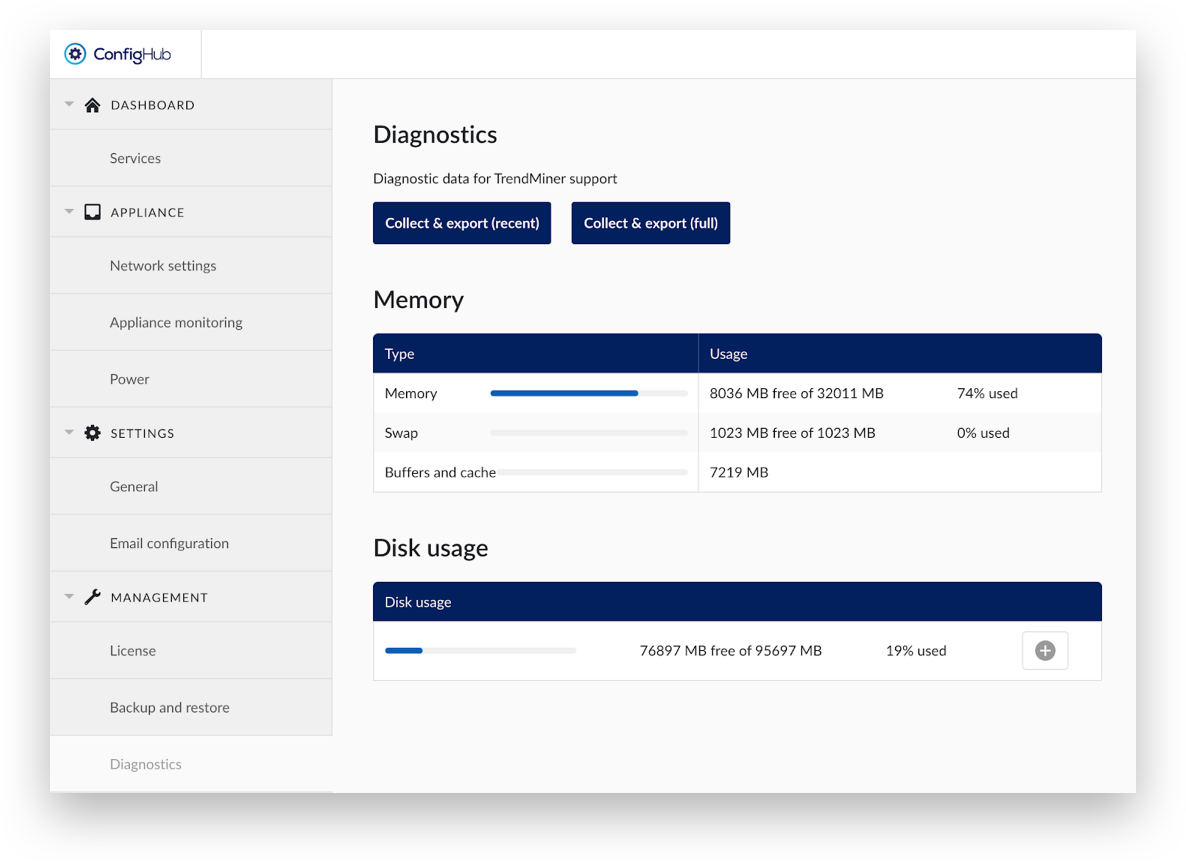
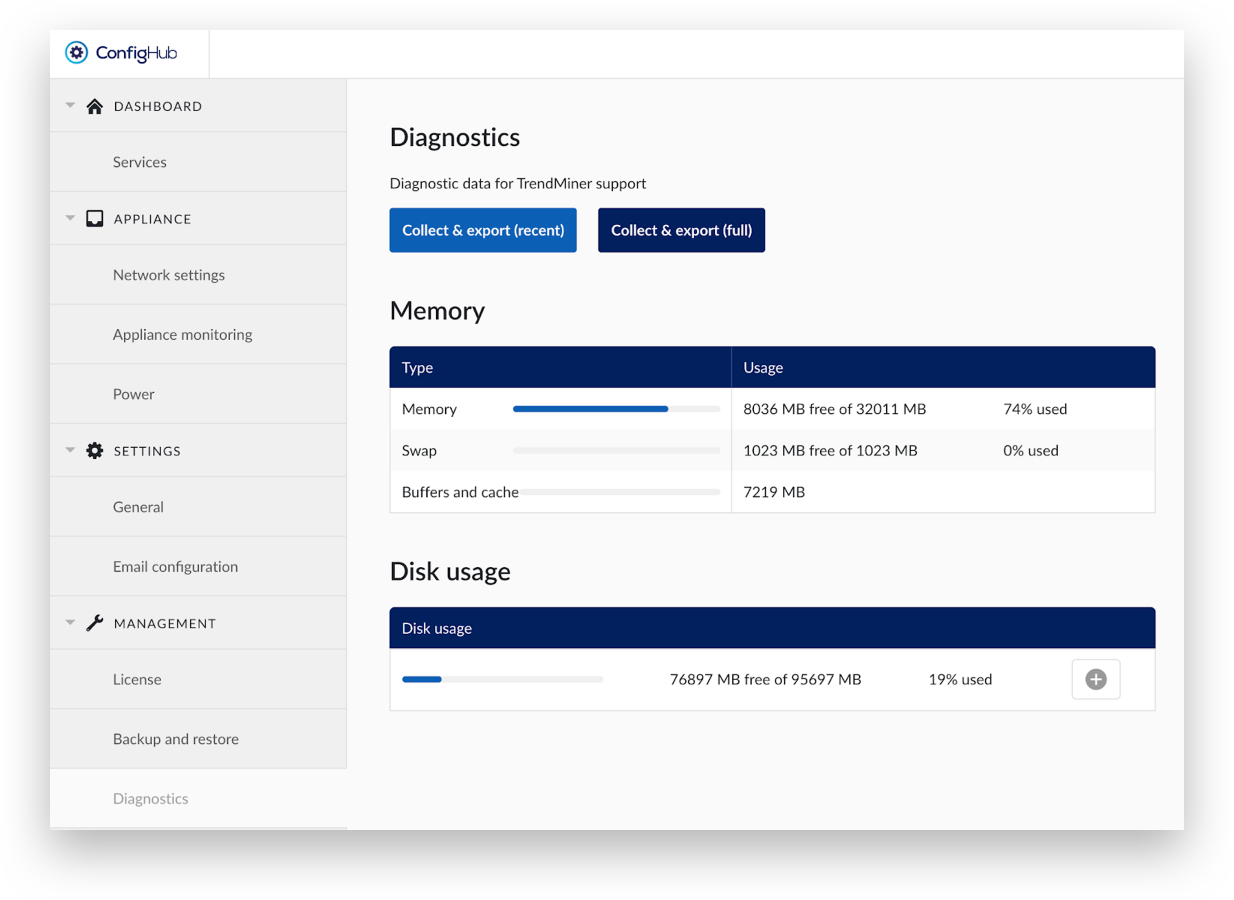
Click ‘Collect & export’ to assemble the logging information.
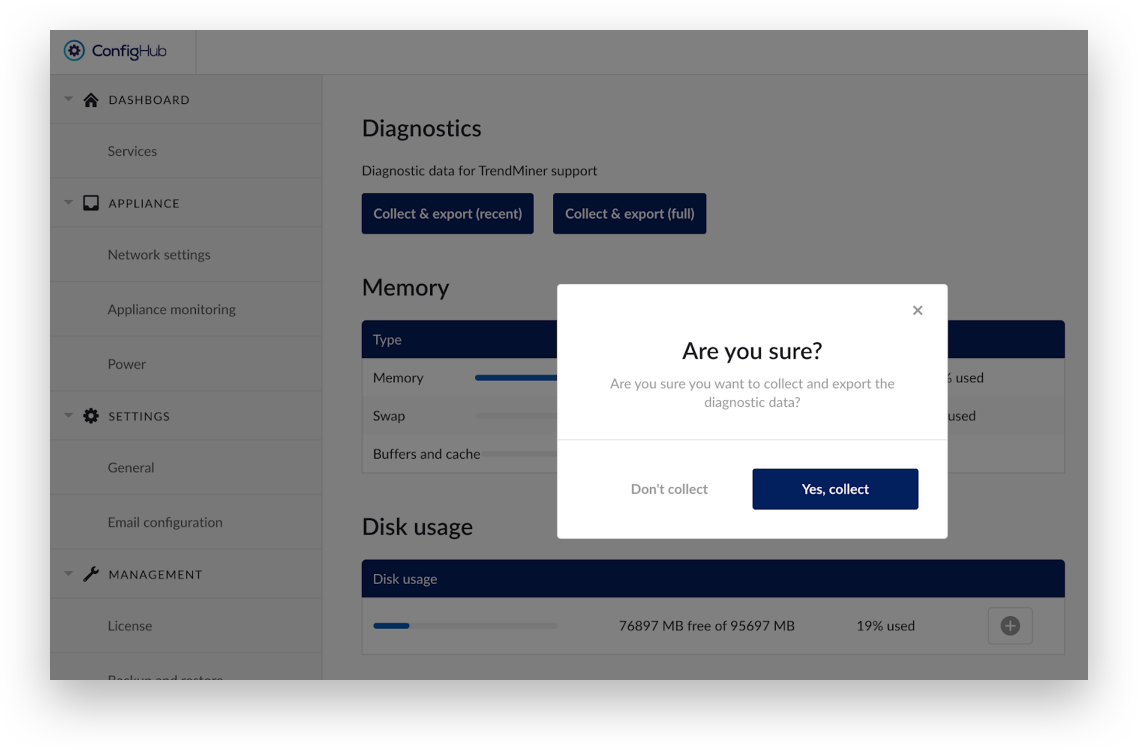
Click ‘Yes, collect’ to download and save the file. Do not uncompress it.
Upload it at https://files.trendminer.com/hps/upload.php