Semi-automated upgrade
Note
This option is only available when the TrendMiner installation has the correct level of Internet access. See the following for more information: Upgrade center system requirements
Download the desired upgrade package to your computer by clicking the “Download to computer”
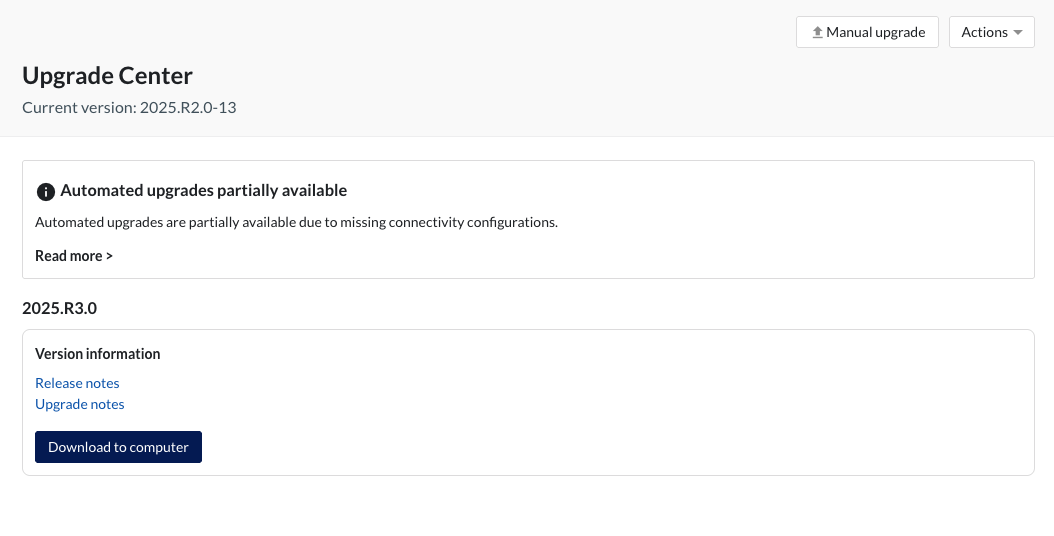
The download will start and be available for monitoring in the download history of the browser.
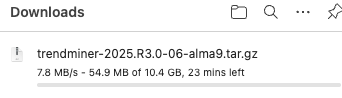
After completing the download of the upgrade package, the installation can be executed by uploading the package via the “Manual upgrade” option at the top of the page. Also see the Manual upgrade for more information.
