How to change the connector log level?
Connector log level determines how much information the system records during operation. Adjusting this level can be useful for troubleshooting issues, but higher-detail settings can affect system performance. This article explains how to check and change the Default log level - the catch-all level that applies to any namespace not explicitly configured, including TrendMiner and System*.
Note that some namespaces have fixed overrides regardless of this setting - for example, Microsoft.Hosting.Lifetime is always kept at Information regardless of the Default level, so startup and shutdown events remain visible in logs.
How to check the connector log level
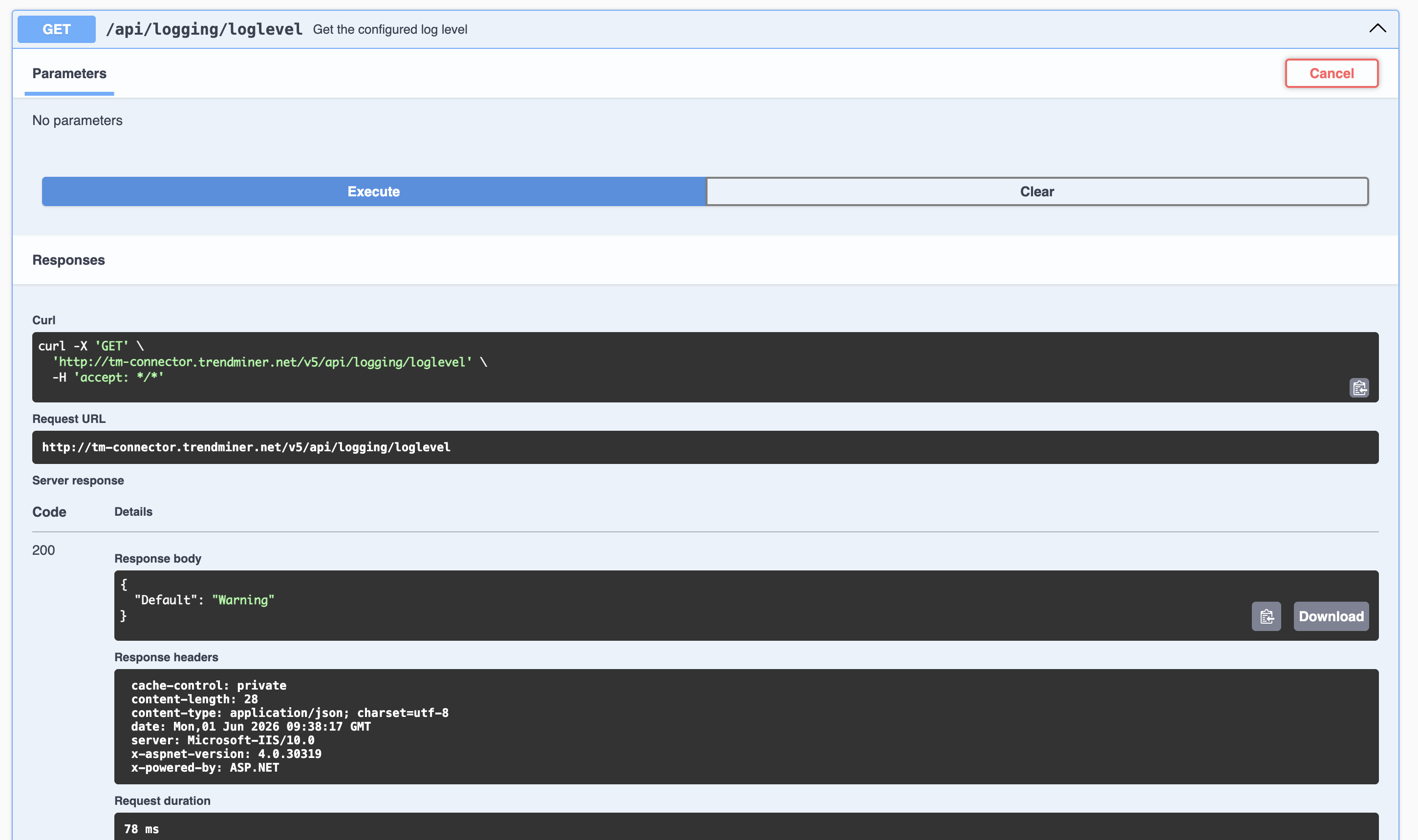
To retrieve the currently configured log level, do a GET on the connector API (via Swagger) at the /api/logging/loglevel endpoint. No parameters are required.
How to change the connector log level
Changing the log level can be done by doing a PUT on the connector API (via Swagger) at the /api/logging/loglevel endpoint.
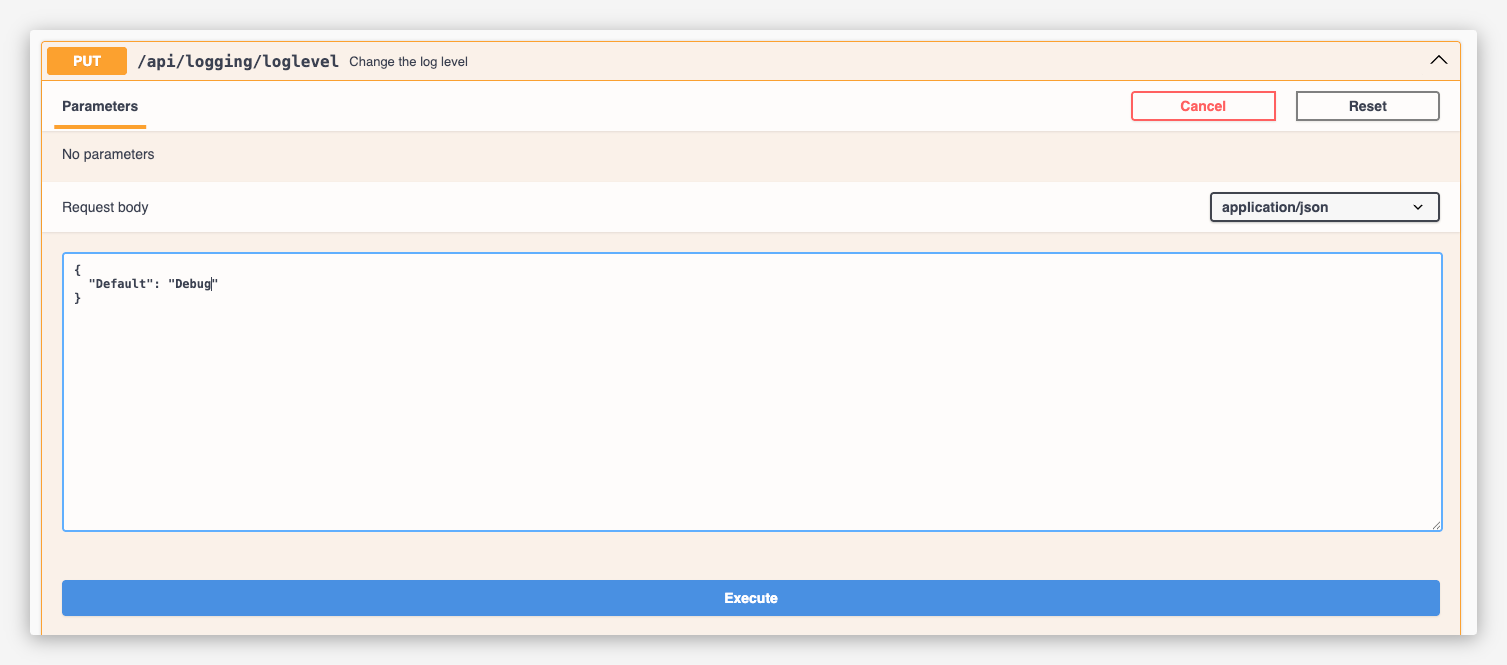
By default, the log level is set to Warning.
The following log levels are supported:
Level | Description |
|---|---|
Fatal | Critical errors that typically lead to application termination. |
Error | Error events indicating failures within the application. |
Warning (default) | Indications of potential issues that are not visible to end users. |
Information | Logs Information, Warning and Error messages. Also records all requests to Plant Integrations and their execution time. |
Debug | Logs Debug, Information, Warning and Error messages. Useful for debugging purposes. Note: Debug mode can impact performance and should only be used temporarily on production systems. |
Verbose | Logs all messages, including highly detailed information that may contain points data. Note: Verbose mode has a significant performance impact and should not be used in production except for very short periods. |
Important
* Always revert the log level to Warning or Information after troubleshooting. The Debug and Verbose levels generate large amounts of data and can slow down system performance.
The log level persists across application restarts and will not reset to the default automatically.