How to increase the system memory?
When additional memory is assigned to an existing installation, TrendMiner services need to be redeployed such that the additional memory is correctly assigned to the individual services.
To add additional memory (RAM) to your TrendMiner installation, follow the steps below.
Create a VM snapshot as a safeguard.
Make the additional RAM available for the server/via the hypervisor.
Open Edge Manager.
While Edge Manager is open in the browser, type 'thisisunsafe' (one word, without the quotes). This will open up a hidden dialog.
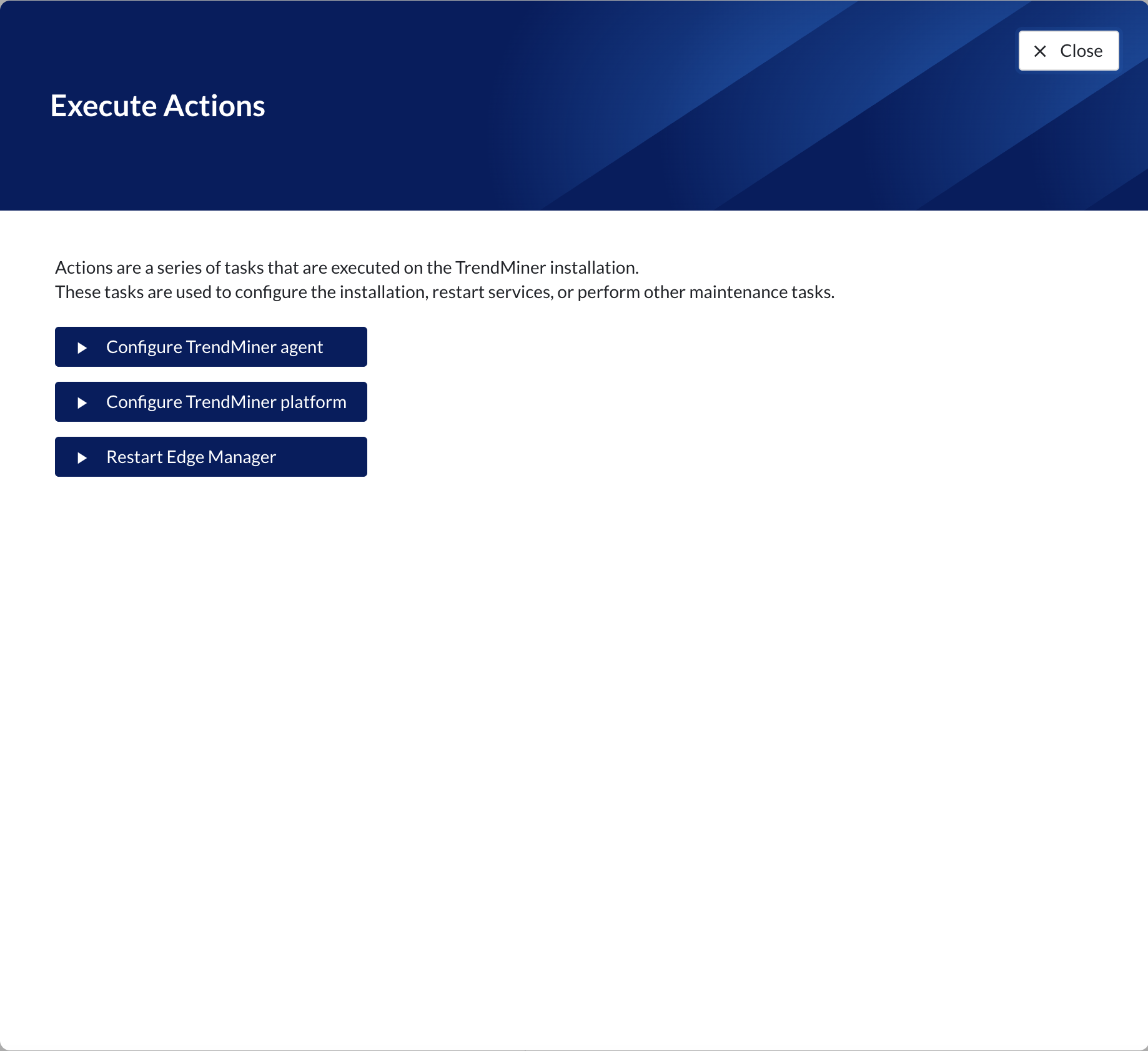
Click the 'Configure TrendMiner platform' button.
Important
Clicking this button will redeploy all services and will cause a downtime of up to an hour. Always make sure a VM snapshot is available when triggering this action.
Wait till all actions have finished and check in Edge Manager -> Services that all services gradually turn green again.