Homepage Configuration
Admin Message Tile Configuration

Administrators can configure the admin message tile through the Homepage Configuration page in ConfigHub. The configuration itself consist of three parts for configuring the title, message and contact information.
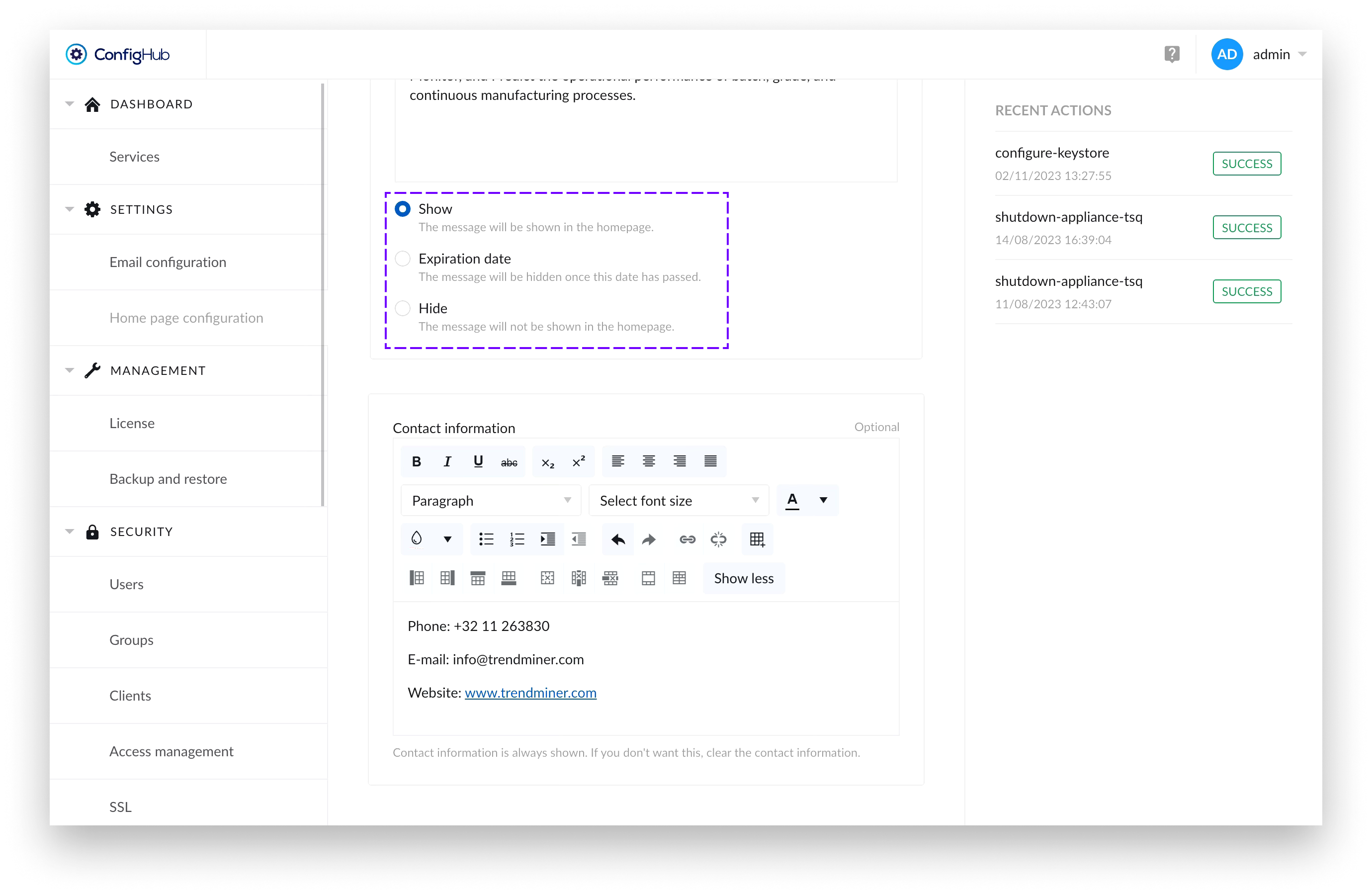
There’s a radio button which allows administrators to control whether the message tile is displayed to users on the Home Page or not.
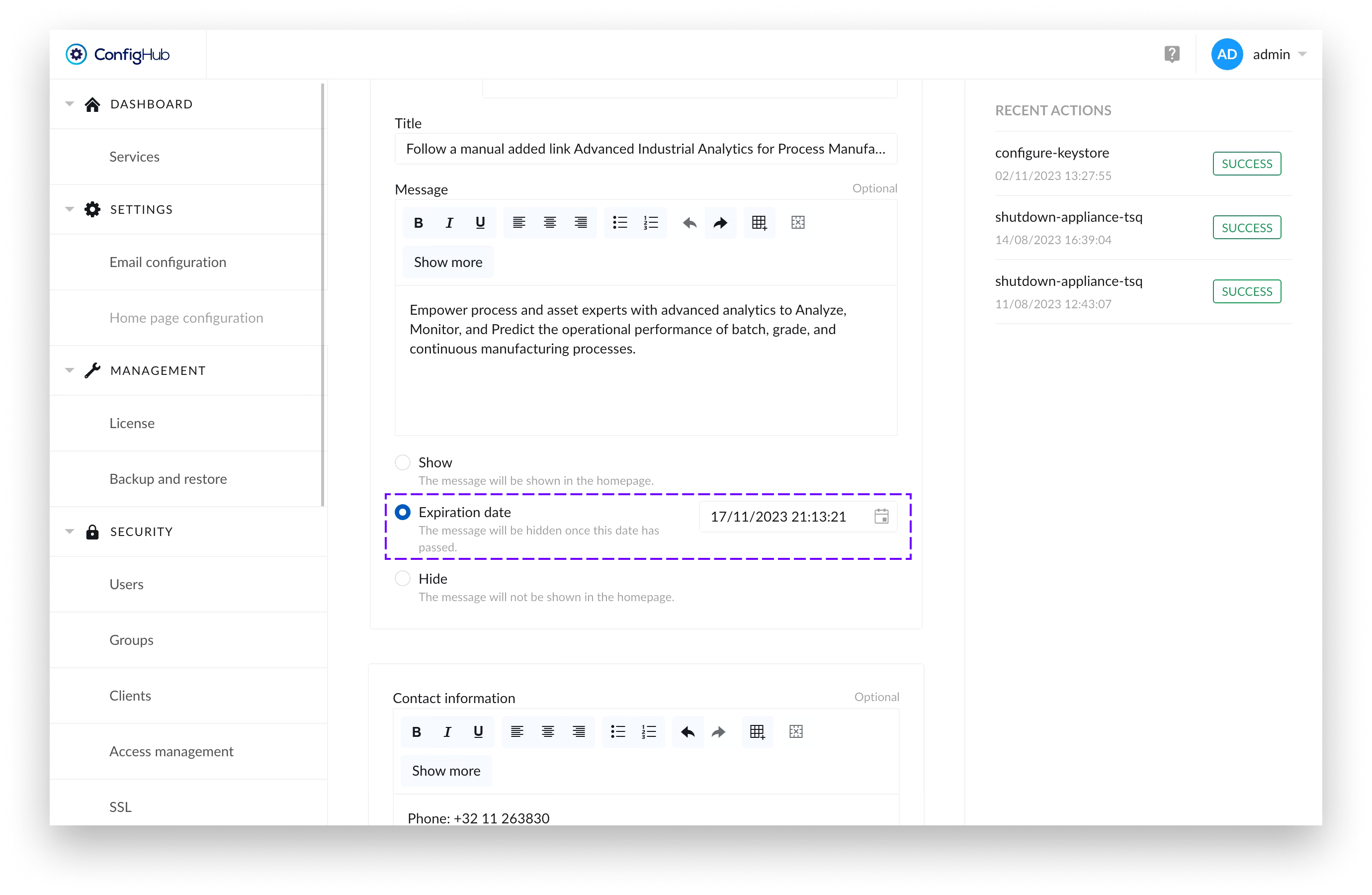
Additionally, there’s an option to set an expiration date for the message part of the tile. If an expiration date has been set, once the date has passed – the message part of the tile and the logo would disappear, but if filled in – the contact information would remain visible.
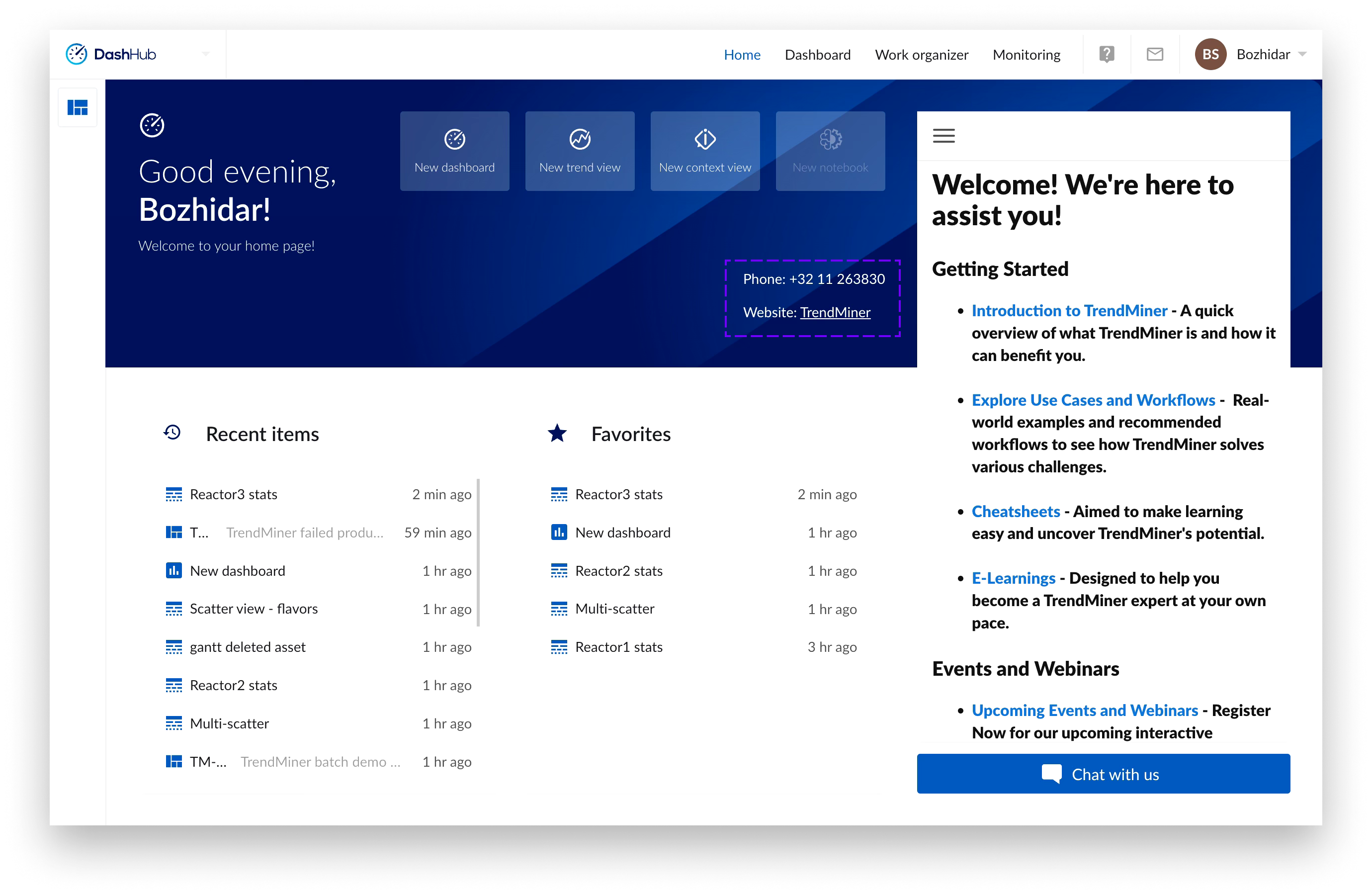
If only the contact information is filled, the message is set to “Hide” or there has been an expiry date set for the message that has passed - the information provided in the contact information form would still be visible to users.