Mail Alerting Configuration
The TrendMiner Virtual Appliance contains software that monitors system health. When an anomaly is detected, such as a disk that is close to filling up, a warning email will be sent.
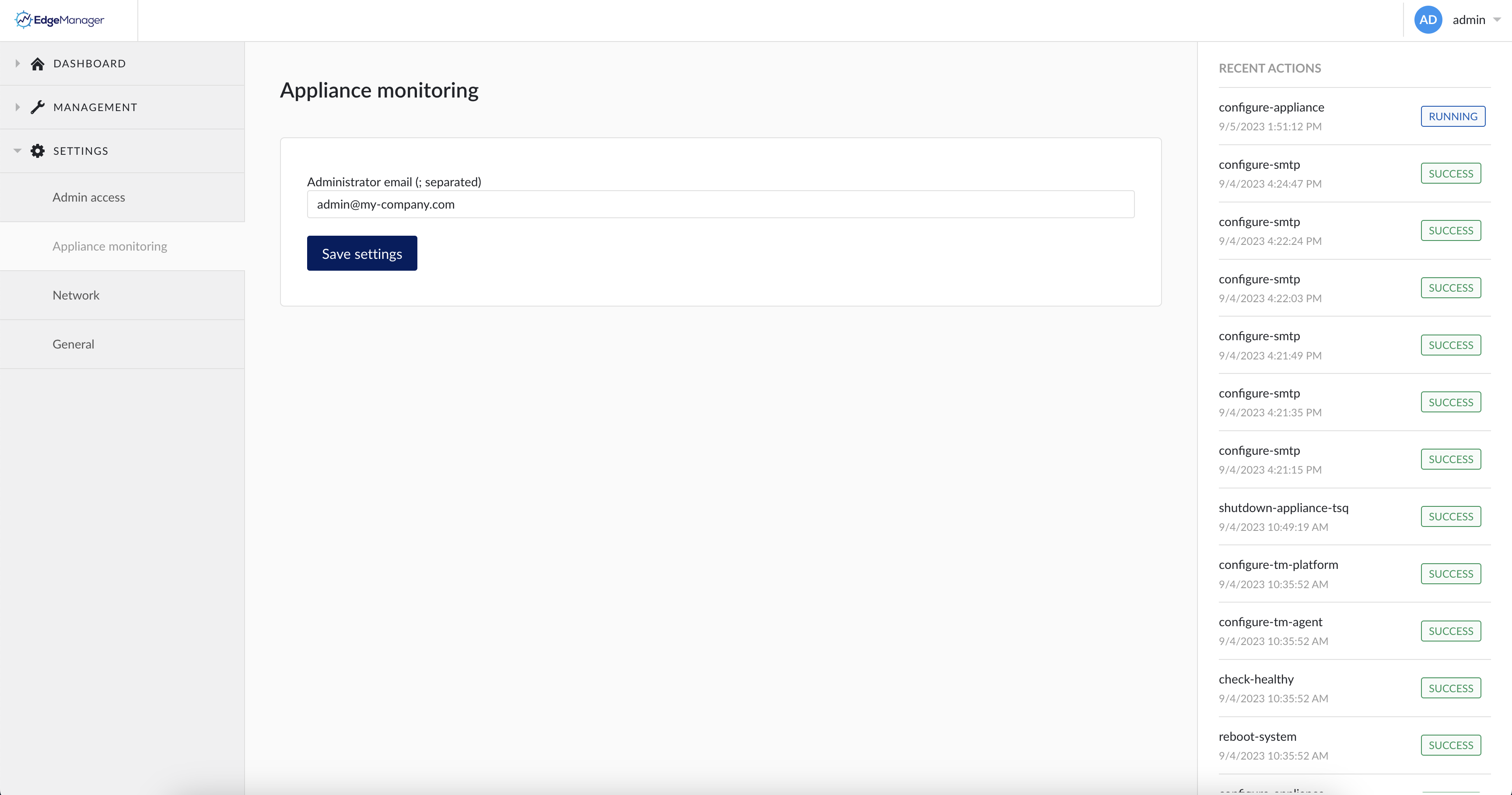
Expand the ‘SETTINGS’ menu and click on ‘Appliance monitoring’.
Provide a mail address of the TrendMiner infrastructure administrator or the administrator group then click ‘Save settings’.
This will trigger the ‘configure-appliance’ task under ‘Recent Actions’. Wait until the ‘configure-appliance’ task changes to the ‘SUCCESS’ status.